For Managers

Approve, track, and review —
without living in five different tools.

Managers shouldn't need a tutorial to approve a leave request or check in on their team. ChordHR keeps everything a manager needs in one place, on any device.

Manager
Leave approved
3 pending requests
12 present today
Team attendance live
Coverage gap flagged
Managing a team shouldn't mean
managing five inboxes.

Managers shouldn't be the bottleneck — but disconnected tools make them one. These are the four friction points that come up most.

Requests arrive everywhere but one place
Leave and overtime requests arriving over email, Slack, and in-person — with no single queue, no history, and no way to see what you've already approved.
Team attendance requires a call to HR
No visibility into the team's attendance without asking HR directly — making sprint planning, resourcing, and coverage decisions slower than they need to be.
Performance reviews start from a blank form
Performance reviews that turn into a scramble because there's no ongoing record — just a blank form, a deadline, and six months of forgotten context.
Approving anything means finding a laptop
Approving something requires sitting at a laptop — because the tools don't work well on mobile, and there's no reasonable way to act on a request from a phone.

Everything a manager needs — already in one place.

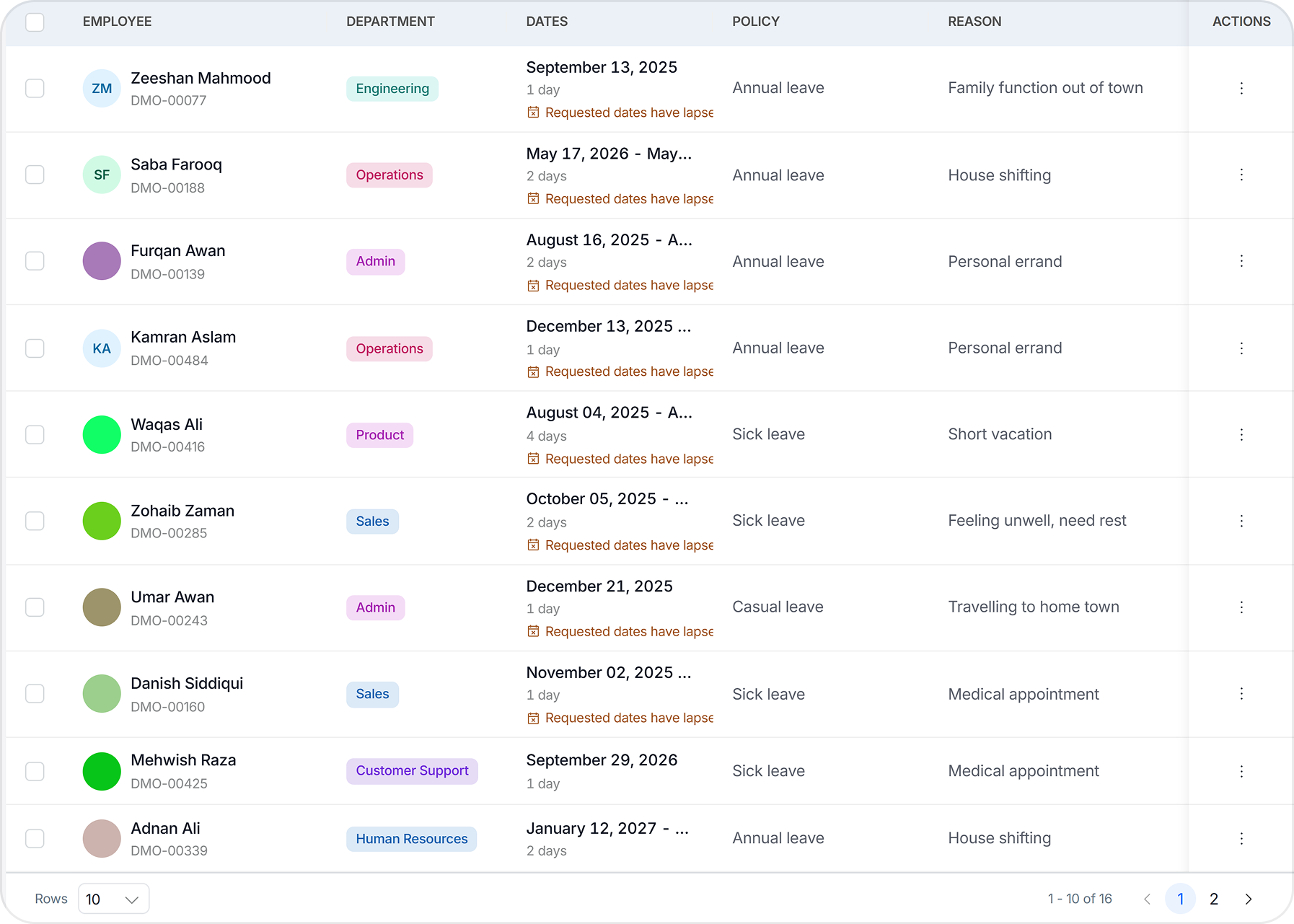
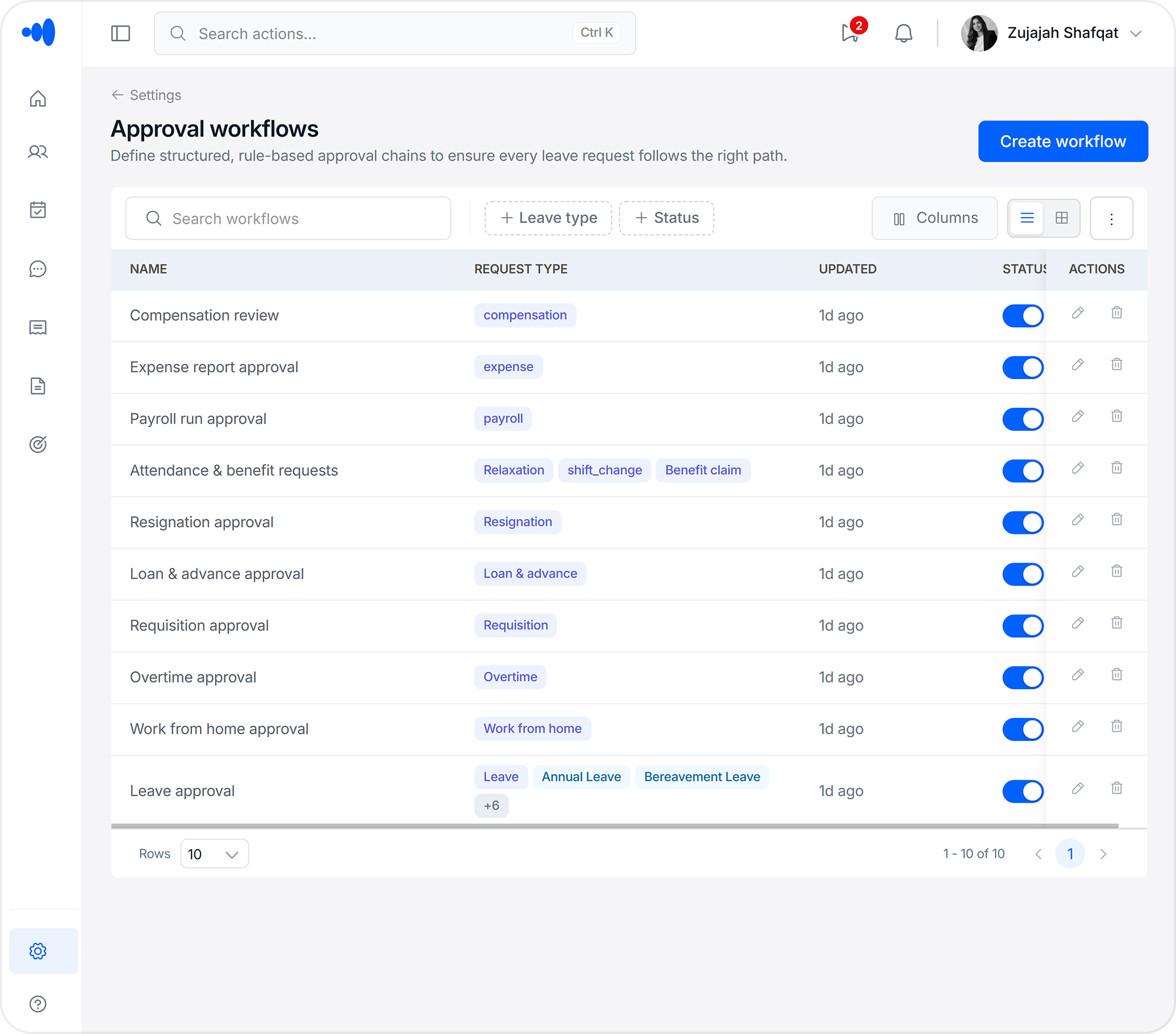
Approval Workflow
Approval Workflows

Every request type in one approval queue, routed automatically.

Leave, overtime, WFH, and exceptions all land in one place. ChordHR routes each request to the right approver — you see only what needs your decision, with full context attached.

  • All request types in a single queue, no inbox hunting
  • One-tap approve or reject from any device — including mobile
  • Auto-escalation if you don't respond within a configured window
  • Full decision history timestamped and attributed — no disputes
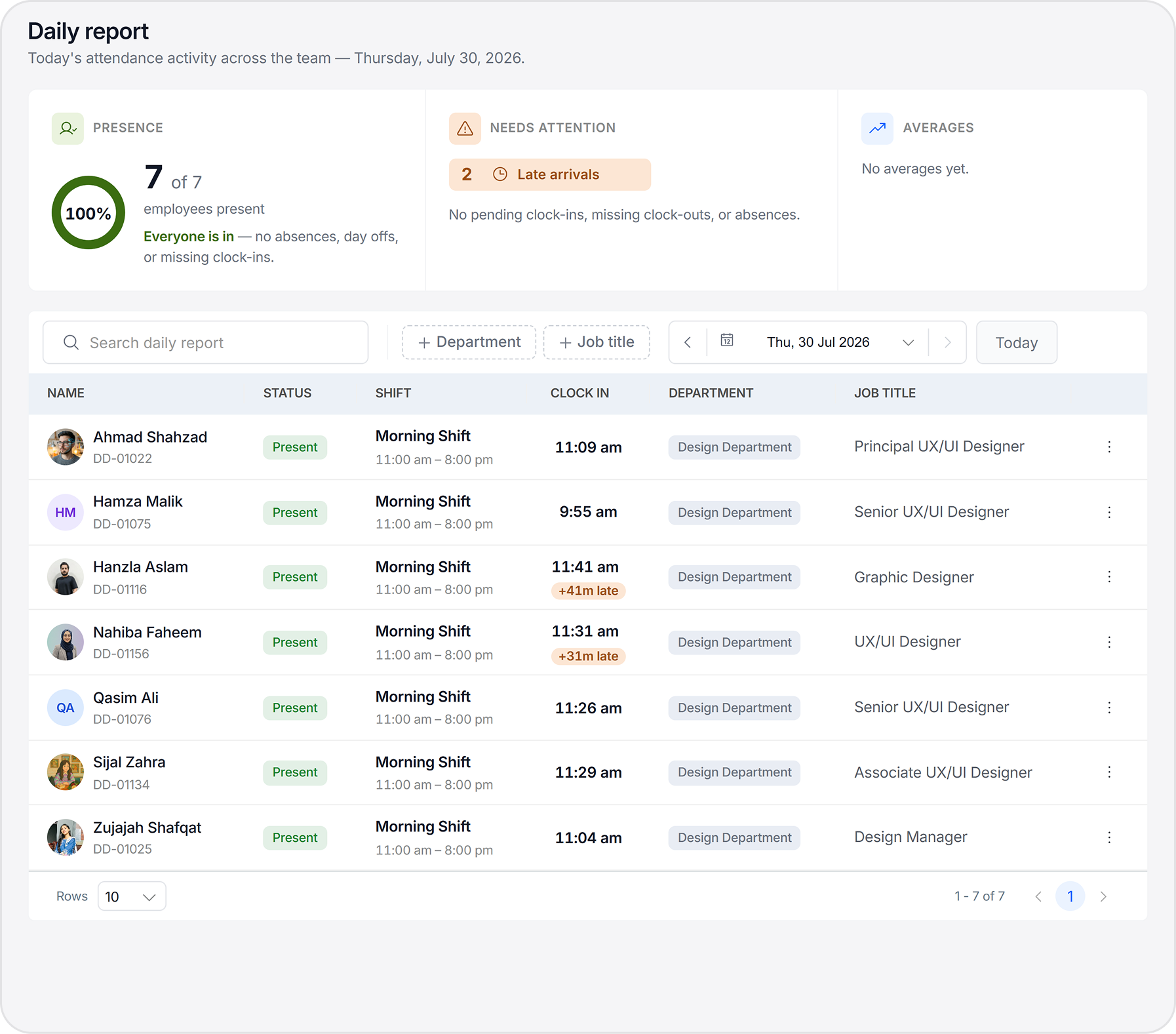
Attendance and Leave
Attendance & Leave

A live view of the team's attendance and leave calendar — no need to ask.

Before you plan a sprint or assign work, you can see exactly who's in, who's out, and what's coming up. No HR call required, no guessing based on out-of-office emails.

  • Real-time attendance view filtered to your direct reports
  • Team leave calendar with approved and pending requests visible
  • Coverage alerts when multiple team members request the same period
  • Exportable team availability view for sprint and project planning
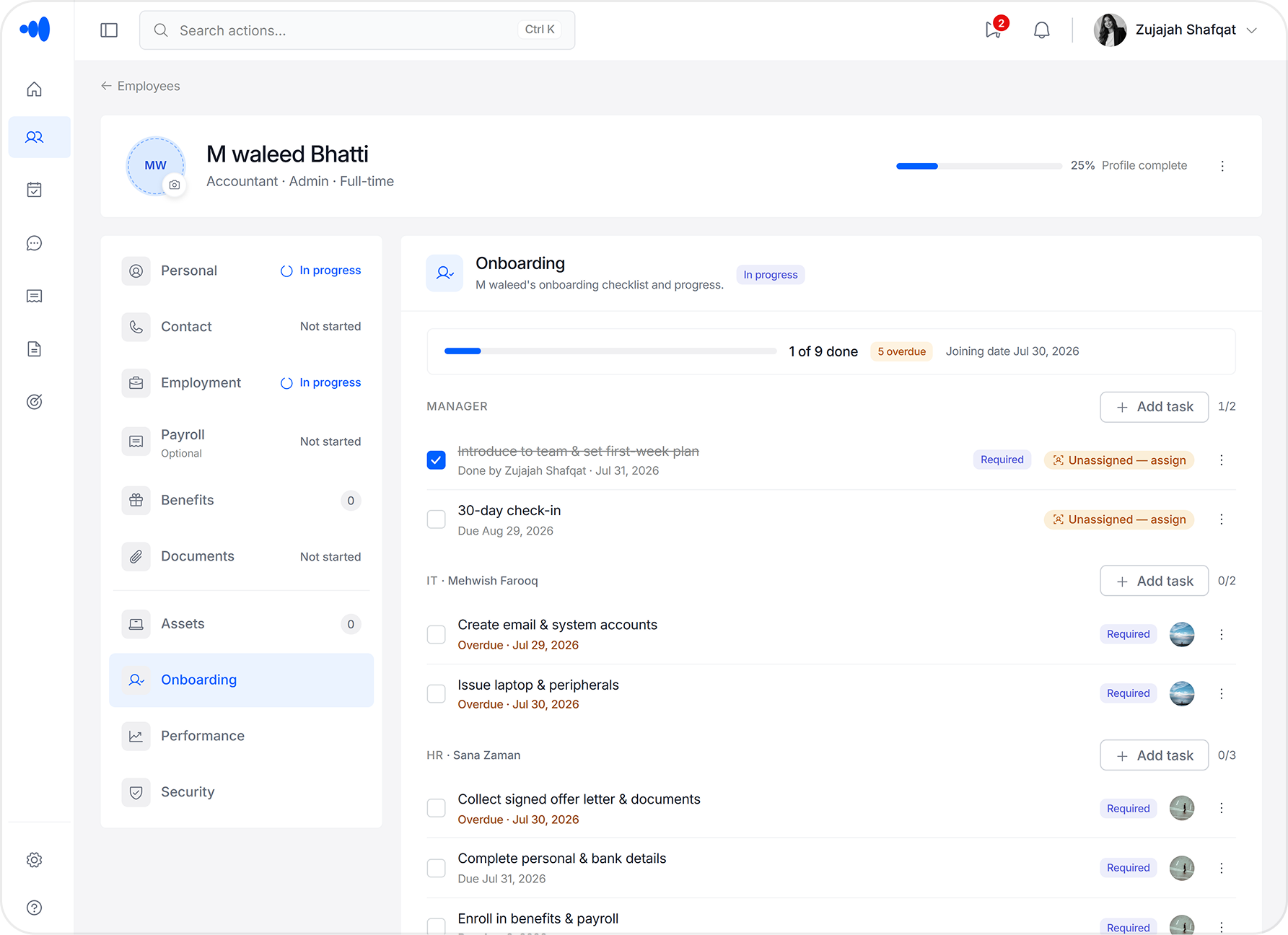
Onboarding
Onboarding

You already know who's joining and when — everything's set up before they arrive.

When a hire is confirmed, ChordHR assigns onboarding tasks to IT, Finance, and your team automatically. By the time they walk in, their access is ready, their assets are issued, and their profile is live. No coordination needed from you.

  • New joiner profile created from offer acceptance — no data re-entry
  • IT, Finance, and manager tasks auto-assigned before Day one
  • Readiness dashboard — see which tasks are done and which are outstanding
  • No missed steps — the checklist runs itself; you just follow up where needed
Team Visibility
Team Visibility

Your whole team's status in one view — no calls to HR required.

Attendance, leave balances, upcoming absences, and pending requests — scoped to your direct reports. Before you plan a sprint, assign work, or run a 1:1, you already have the full picture.

  • Real-time attendance view filtered to your team — no dashboard access needed
  • Leave calendar shows approved, pending, and upcoming absences
  • Coverage conflict alerts before leave is approved — catch gaps early
  • Exportable team availability for sprint and project planning

Managing a team when the tools aren't in the way.

1
9:05 am — between meetings
You get a notification on your phone — Sara's leave request is waiting. You open it, see the dates, check the team calendar, and approve in thirty seconds. No laptop required.
2
10:30 am — before sprint planning
You pull up the team's leave calendar before the planning session. Two people are out next week. You adjust the sprint scope before the meeting starts — not after.
3
3:00 pm — after a 1:1
You leave a quick performance note on James's profile — a specific thing he handled well this week. At review time, it'll still be there.
Manager at work
Approved in 30s
2 out next week
12 present today
No HR call needed

Six things managers do in ChordHR — none of them require a call to HR.

Approve leave, overtime, and WFH
One queue for every request type — approve or reject in one tap from any device, with full context attached.
View team attendance in real time
See who's in, who's late, and who's out — filtered to your direct reports. No calls to HR, no guesswork.
Plan coverage before conflicts happen
Team leave calendar shows approved and pending requests. You see coverage gaps before you approve — not after.
Receive new joiner tasks automatically
When a hire is confirmed, your onboarding tasks are assigned without a coordinator. You know who's joining and when — nothing falls through.
Track requests and escalations
Every request that involves your team flows through a defined path. You see what's pending, what's been escalated, and what's been resolved.
Access team-level reports on demand
Attendance trends, leave summaries, and headcount breakdowns — scoped to your team, available without a spreadsheet or contacting HR.

ChordHR works for everyone on the team.

sales@chordhr.com copied to clipboard