Finance & Compliance

Payroll, benefits, and access —
all reading from one source.

These are the modules where errors carry real cost. ChordHR keeps payroll inputs, employee benefits, and access controls all derived from the same employee data — so accuracy doesn't depend on someone checking twice.

Payroll processed
Audit ready
Zero errors this month
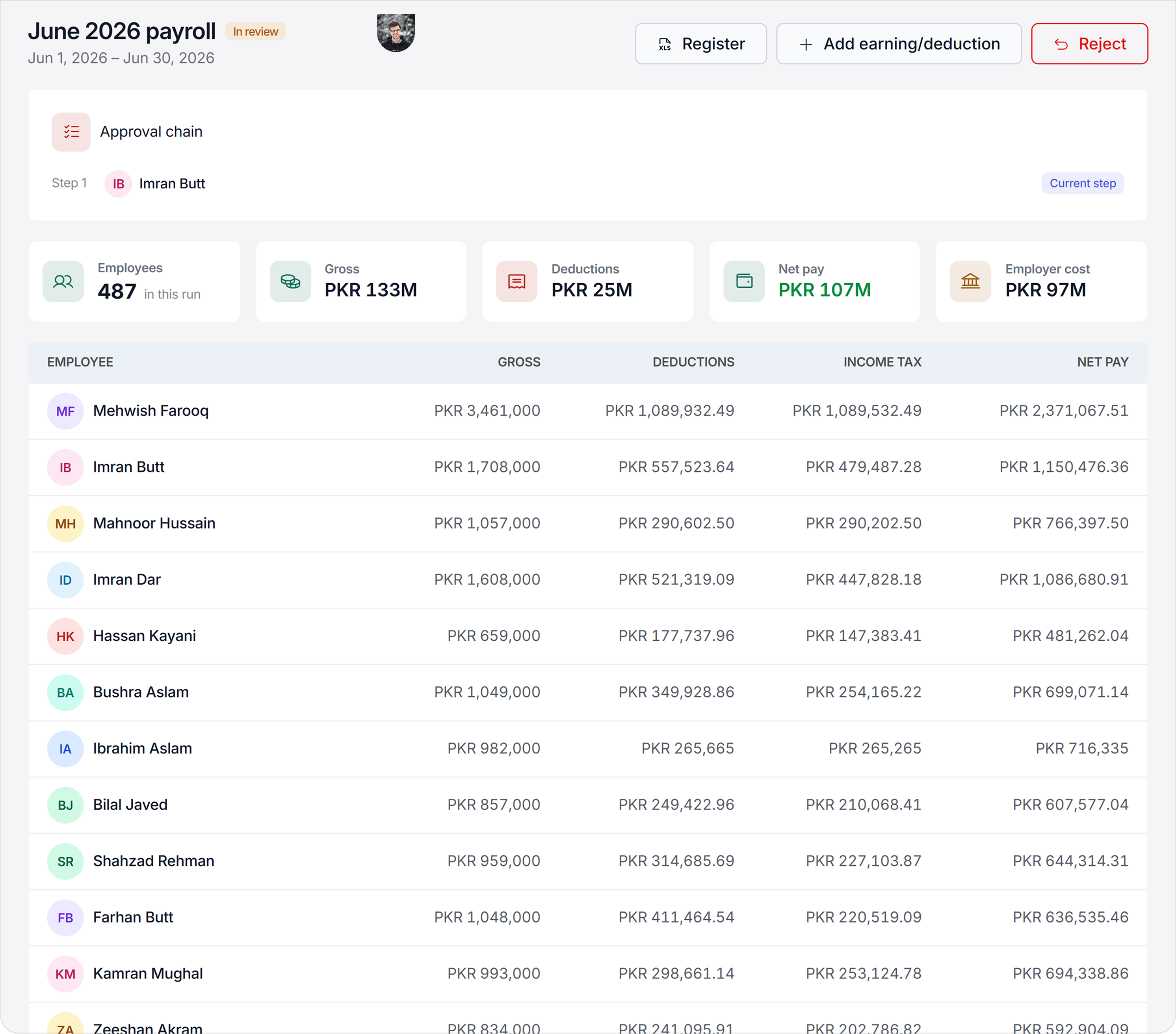
Finance & Compliance Dashboard

No manual exports. No access gaps.
Accuracy built in.

Finance and compliance work breaks down when data has to move between tools by hand. ChordHR keeps payroll inputs, employee benefits, and access controls derived from one shared employee dataset — so nothing drifts.

Payroll inputs already filled before you open them
Attendance, leave, and overtime feed payroll automatically. No month-end export, no manual reconciliation.
Benefits configured once, visible to every eligible employee
Benefit entitlements are defined per role, grade, or policy. Employees see what they're entitled to in their self-service portal. No separate communication, no separate tool.
Role-based access scoped once, enforced everywhere
Define access once and it applies across every module automatically — no per-module settings, no configuration drift.
Sensitive data visible only to the roles defined to see it
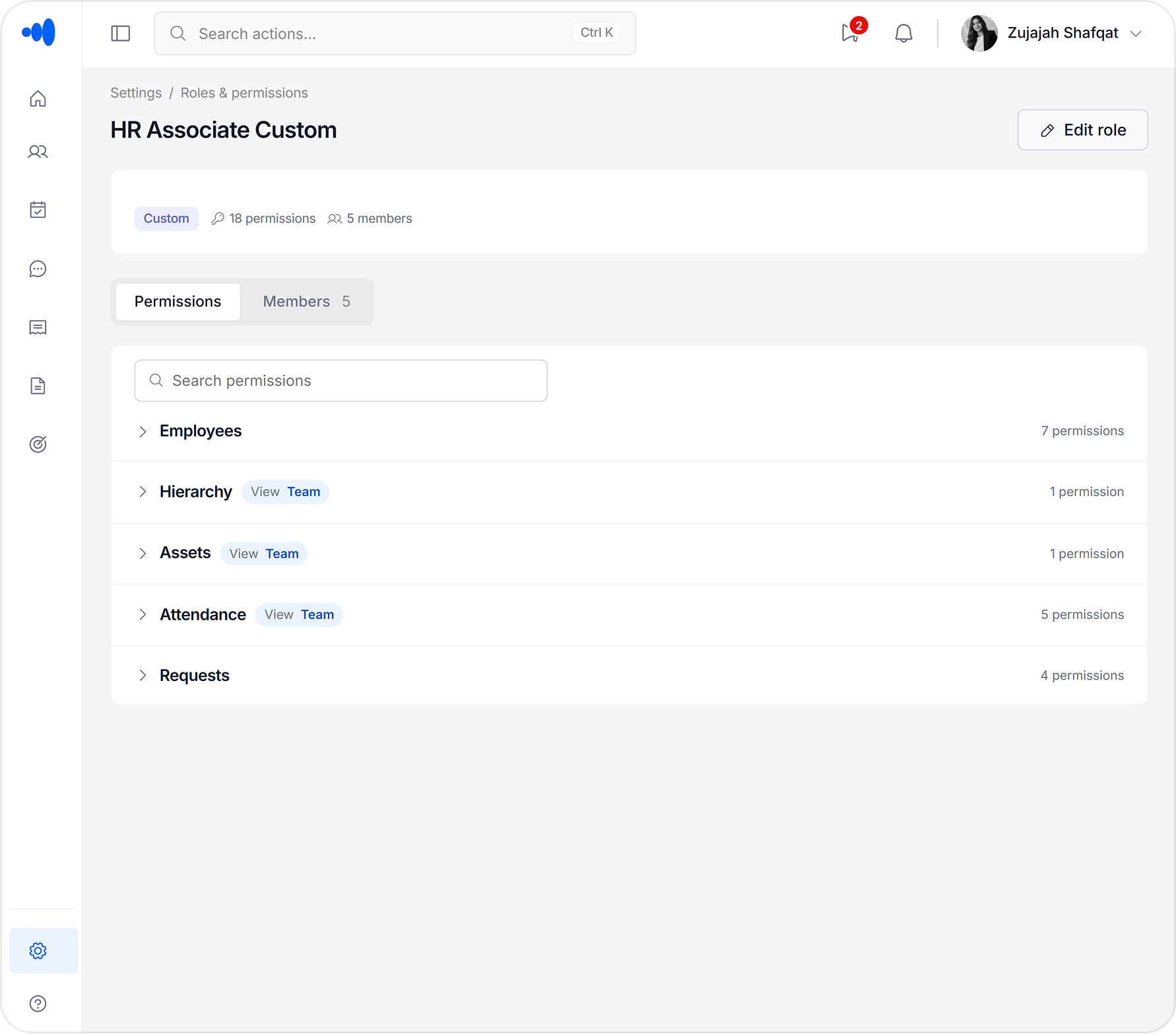
Salary figures, personal information, and payroll details are field-level restricted — not just hidden behind a page. A Team Lead sees their team's attendance, not their salaries.

Three modules. One controlled data layer.

Payroll Coordination, Benefits, and Role-Based Access Control all draw from the same employee records — so accuracy is structural, not procedural.

Payroll Coordination

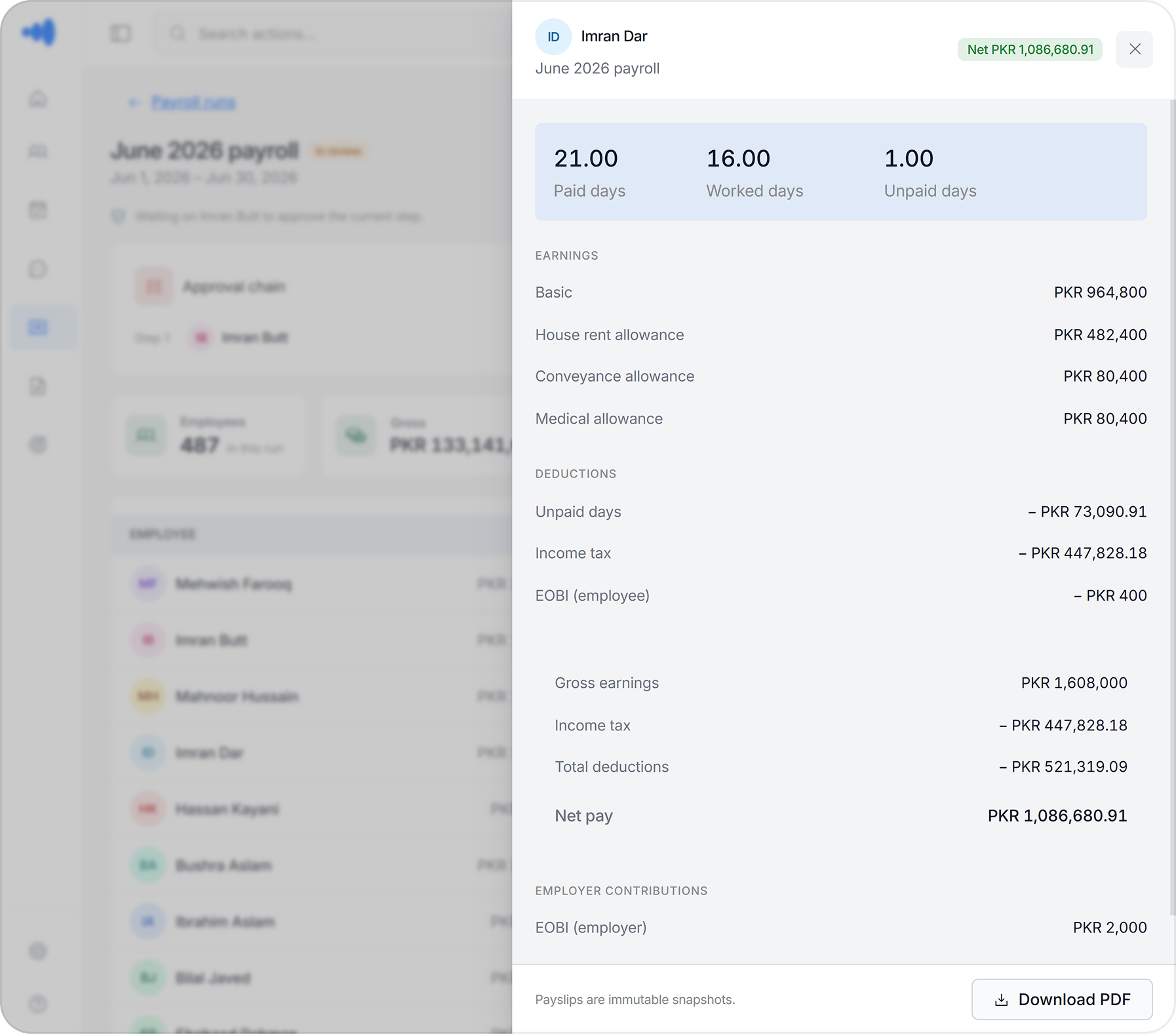
Payroll prep that's already done by the time you open it.

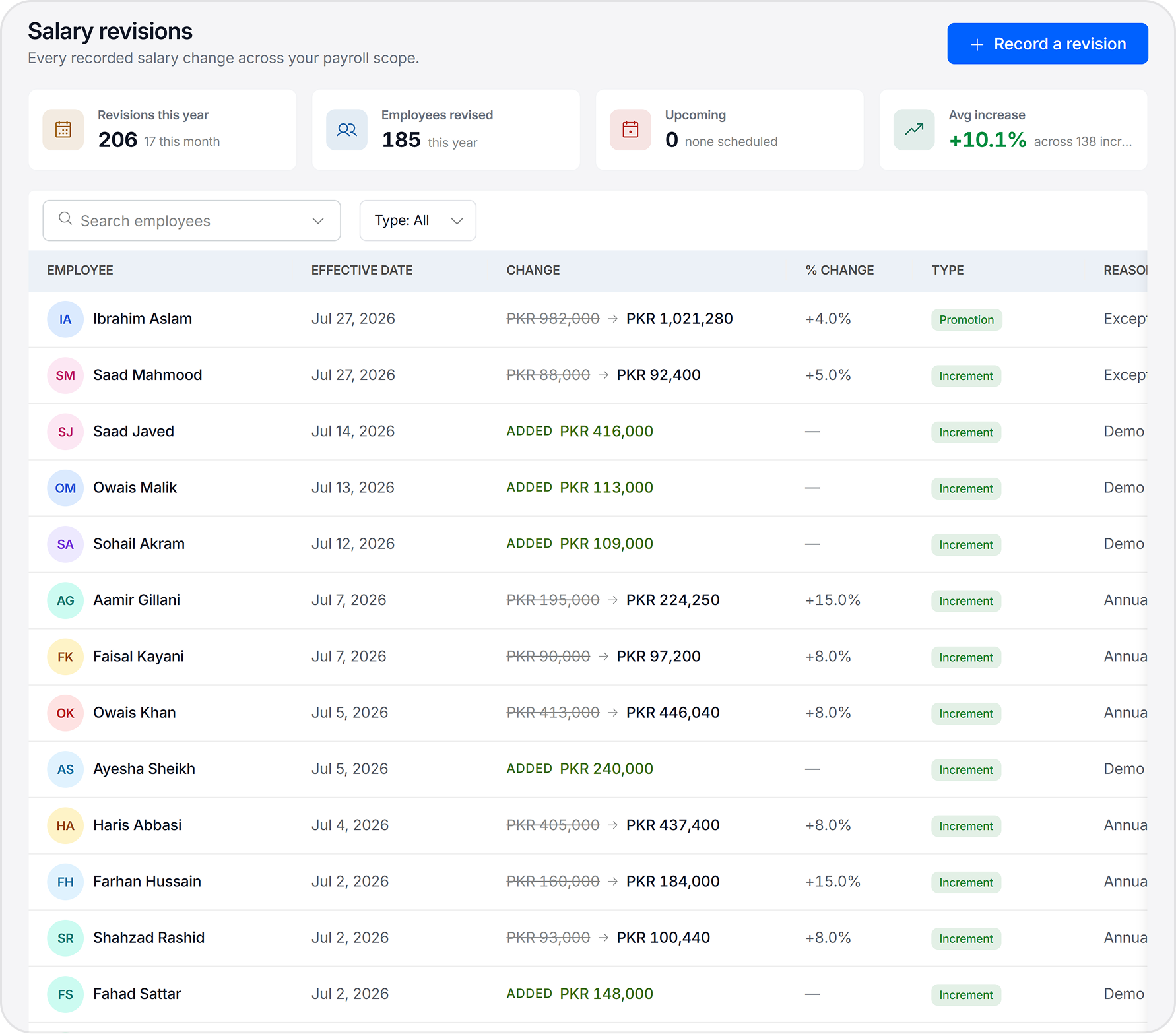
Attendance, leave, and overtime data flow into payroll preparation automatically — pulled from the same records HR uses every day. No month-end reconciliation, no duplicate entry, no formulas to break.

  • Attendance and leave data feed payroll inputs without manual export
  • Overtime auto-calculated from clock-in/out records
  • Leave deductions applied the same day approval is given
  • Exportable payroll-ready reports per period or per employee
  • Full audit trail on every adjustment and override
Benefits

Entitlements defined once. Visible to everyone it applies to.

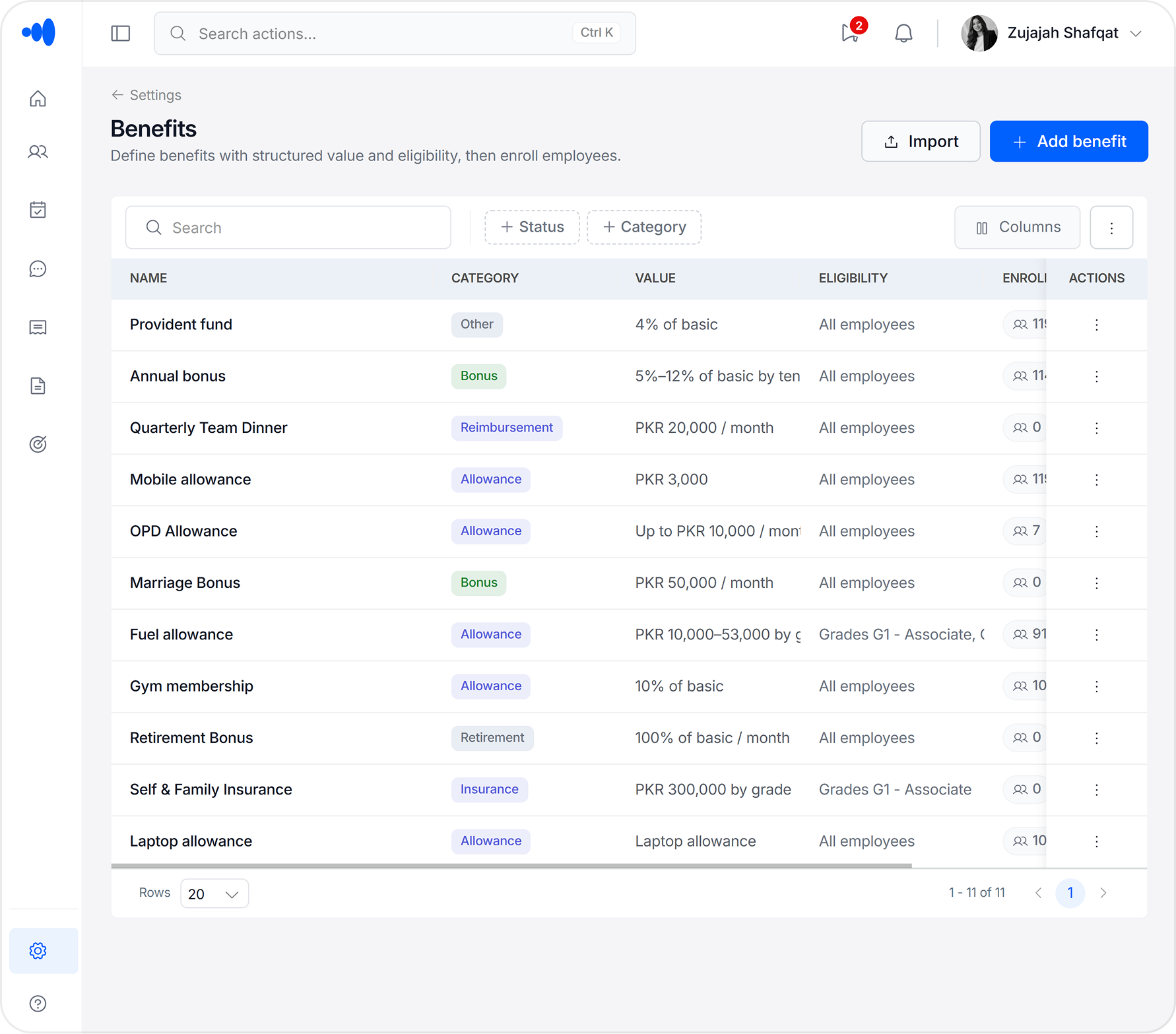
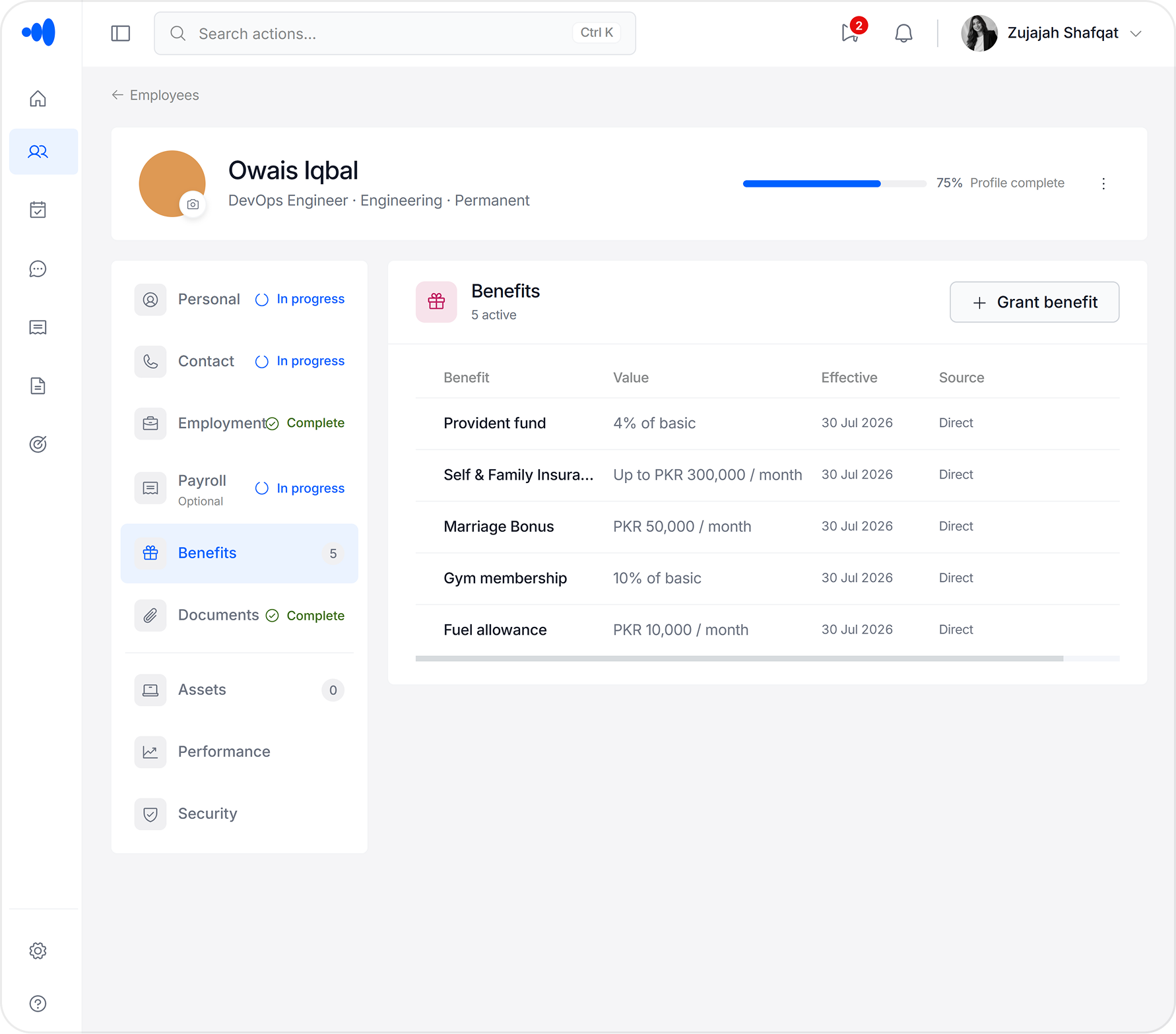
ChordHR lets HR configure benefit packages by role, grade, or employment type — health cover, allowances, leave entitlements, and more. Employees see exactly what they're entitled to in their self-service portal. No separate PDF, no separate announcement. When an employee's role or grade changes, their benefits update automatically.

  • Benefits configured per role, grade, or employment type — not per person
  • Employees view their full entitlement in self-service — no emails to HR to find out what they get
  • Benefits update automatically when a promotion or grade change is applied
  • Leave entitlements, allowances, and custom benefit types all supported
  • Full benefits register exportable for finance and compliance reporting
Benefits module
Role-Based Access Control

Define it once. It's enforced everywhere.

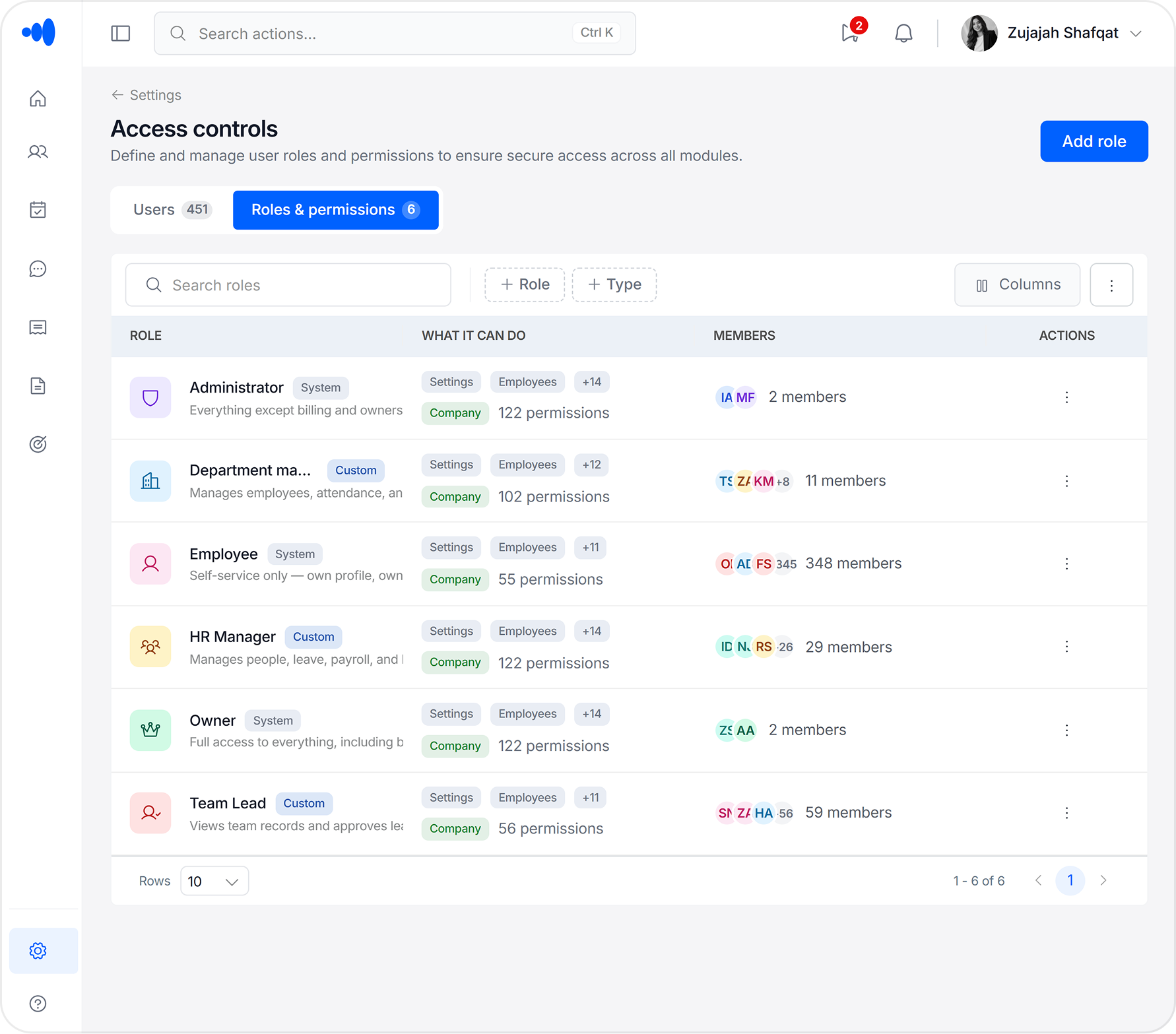
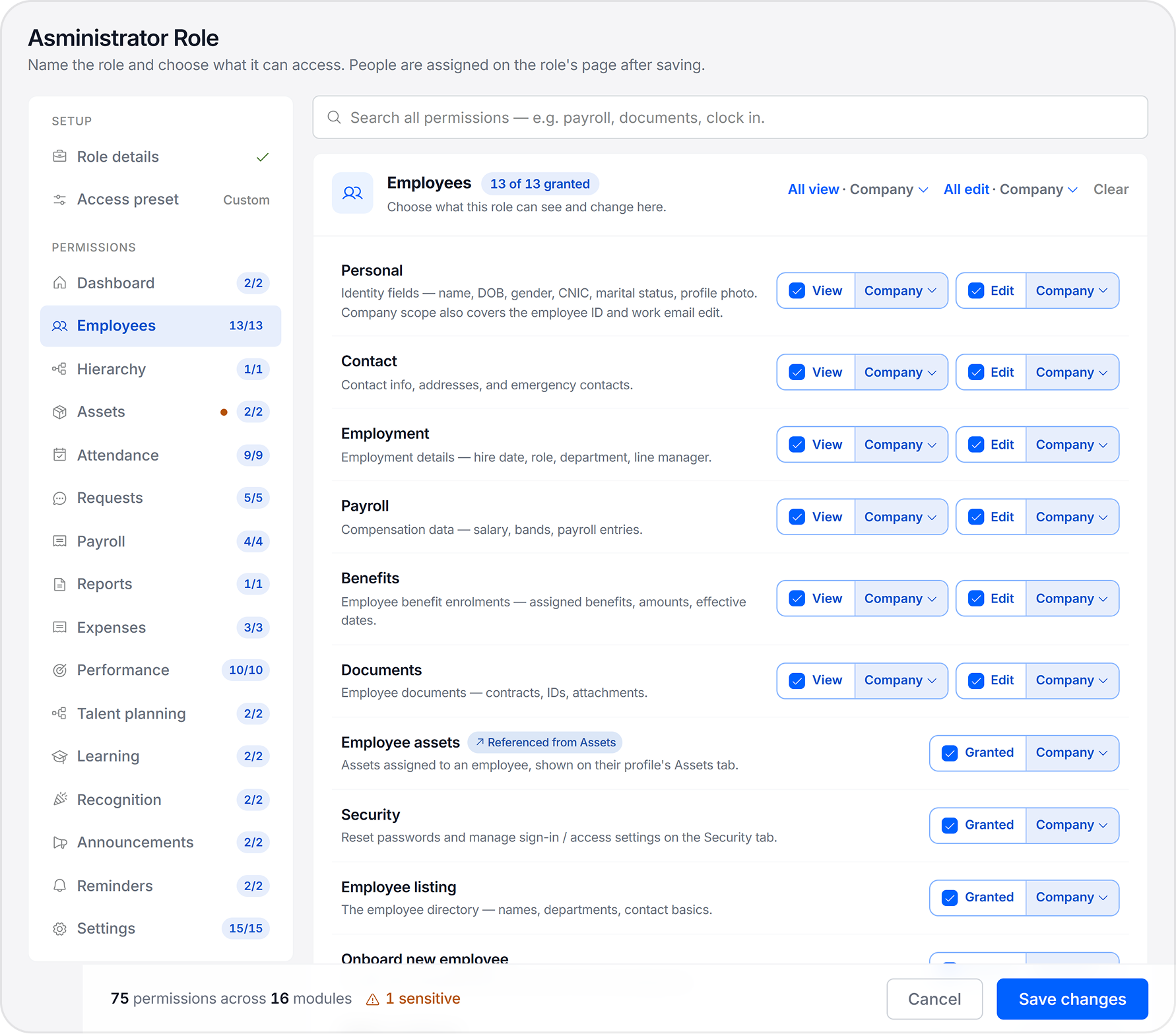
Custom roles — Owner, HR Manager, Department Manager, Team Lead, Employee, or fully custom — scope visibility across every module from one configuration screen. No per-module access settings to maintain separately.

  • Field-level data visibility — salary and personal info restricted by role, not page
  • Role templates for common structures plus fully custom role builder
  • Scoped by department, branch, and employee grade
  • Role changes take effect across every module instantly
  • Audit log of every role assignment and permission change

Problems HR teams tell us every week

These aren't edge cases. They're the things HR managers bring up in the first five minutes of every demo call.

Custom roles Payroll and attendance Granular roles Benefits in profile
Five system-defined roles
Create custom roles

Most HR tools ship with two roles. A Department Manager needs more than an employee but less than an admin — so IT gives them admin access to get the job done. Now they can see salary data, edit payroll settings, and change things they were never meant to touch.

ChordHR fix
ChordHR ships with predefined roles that cover real org structures — Owner, HR Manager, Department Manager, Team Lead, Employee. Each has the right level of access out of the box. If your structure doesn't fit, you can build fully custom roles with exactly the permissions you define.
Custom roles

The biometric device exports a CSV. Someone pastes it into the attendance sheet. HR compares it against the leave records. Payroll gets a number. If anything is wrong, they trace back through three systems and still aren't sure what happened.

ChordHR fix
Attendance and leave data flow into payroll inputs directly from the same records they live in. No export, no paste, no manual check. The inputs are ready when you open payroll — not after half a day's work.
Payroll and attendance

Basic tools give you all-or-nothing access. Enterprise tools lock permissions behind certified admins. Most teams end up with roles that don't match how they actually work — Team Leads who can see salaries they shouldn't, or Managers who can't approve what they need to.

ChordHR fix
ChordHR ships with predefined roles — Owner, HR Manager, Department Manager, Team Lead, Employee — covering most org structures out of the box. Each role has granular, module-level permissions scoped to what that role actually needs. And if your structure doesn't fit a preset, you can build fully custom roles with exactly the access you define.
Granular roles

The benefits package is in a PDF from the last policy update, linked somewhere in an email from onboarding. Employees can't remember what leave they're entitled to, whether their health cover includes dependants, or what allowances apply to their role. HR answers the same questions every week.

ChordHR fix
Every employee sees their full entitlement in their self-service portal — configured once by HR against their role and grade. When something changes, it updates automatically. Employees stop asking because the answer is always visible.
Benefits in profile

Not all finance tools
work the same way

Basic tools leave compliance to chance. Enterprise platforms overcomplicate it. ChordHR gives you the control that matters without building a configuration project.

Capability
Too simple
Basic Tools
Too complex
Enterprise
Attendance-to-payroll data flow
Manual CSV export required
Feeds payroll inputs directly, no export
Available with integration setup
Benefits configured per role & grade
Not supported — managed outside the system
Defined once per role — visible in self-service instantly
Available — requires HRIS benefits module configuration
Field-level role-based access control
Page-level access only
Field-level visibility enforced across all modules
Yes — requires certified admin to configure
Setup time
Hours to days
48 hours with dedicated onboarding
Weeks to months + IT involvement
Training required to use daily
Minimal
Minimal — designed for non-technical HR
Significant — requires certified admin

More modules, all working as one.

Finance & Compliance shares the same data layer as the other module groups. Payroll inputs come from attendance and leave records. Benefits update automatically when employment terms change. Role-based access applies across every module automatically — nothing operates in isolation.

sales@chordhr.com copied to clipboard